Google Merchant Center

Merchant Center Misrepresentation Update (Full Step-By-Step Breakdown)

See what changed, why stores get suspended, and how to fix misrepresentation for good.

The Misrepresentation Error Update: What Changed. Why You Get Suspended. And How to Fix It for Good

If you run an e-commerce store right now, you’ve heard the buzz.
The misrepresentation error is hitting stores everywhere.
Drop shippers. Brands with real stock. New stores. Old stores.
No one is safe.

And here’s the scary part.
Google recently pushed a huge update.
This update is why so many stores get suspended right after connecting Merchant Center… or after running ads for just a few days.

If you’ve been smashing the “Request Review” button…
If you’ve watched countless YouTube tutorials hoping for luck…
If you’ve waited days only to get suspended again…
This article will finally show what actually changed and how to fix misrepresentation the right way.

Let’s break it all down. Simple. Clear. And in the exact flow you saw in the video.


1.1 Why This Update Hit So Hard

Google cracked down because it wants one thing. Trust.
When someone searches on Google and lands on your store, Google wants them to feel safe.
So they built a stronger system that checks if your website is real. Accurate. Credible.

But many stores fail these checks without knowing why.
The result?
A vague red message: “Misrepresentation.”
No details. No instructions. No hope.

You’re left staring at a suspension message with no idea what to fix.

But here’s the truth. It’s fixable. And preventable.
You just need to know how the system works now.


1.2 The Two Ways Google Now Checks Your Store

Google uses two layers to judge if your store is trustworthy.

1.2.1 Automated AI Check (Gearloose System)

This is the dangerous one.
It scans your entire store in seconds and looks at:

  • Your business info inside Merchant Center

  • Your website content

  • Policy pages

  • Your company registration

  • Your IP location

  • Old accounts linked to your name

  • Any past unpaid balances

  • Any mismatch in contact info

If it finds even one suspicious detail…
It can suspend you instantly.

This is why you can get suspended even if you’ve never run ads.

1.2.2 Manual Human Check

If you hit “Request Review,” a real person may check your site.
Their job?
Spend 5 minutes looking for anything that feels off.

If both the AI and the human see the same issue, you stay suspended.

And here’s the part most people don’t know:

Pressing the review button without fixing anything will make things worse.
Google sees it as wasting their time.
You can even trigger a cool-down period where reviews won’t work at all.


1.3 The Two Suspension Scenarios You Must Know

Almost every merchant falls into one of these:

1.3.1 Scenario A: You got suspended before running ads

This happens when:

  • You connect Shopify → Merchant Center

  • Google checks your free listings

  • And the AI system flags you immediately

1.3.2 Scenario B: You run ads for a few days and then get suspended

This happens because:

  • The free listing check passed

  • But the second check (shopping/PMax) failed

  • The deeper scan finds missing or inconsistent details

Both are caused by the same underlying issue → website credibility.


1.4 What Google Actually Checks Now (Updated List)

Google wants your store to feel legit to a real visitor.
So it checks:

  • Consistent business details (name, address, email, phone)

  • Clear refund, shipping, and return policies

  • Working links

  • High-quality images

  • No duplicated or scraped content

  • No hidden business info

  • Professional branding and layout

  • No unpaid ad accounts linked to you

  • Website functionality

  • Overall trustworthiness

If even one piece is missing, you risk misrepresentation.


1.5 Why Most Store Owners Get Stuck in a Suspension Loop

Because they do this:

  1. Get suspended

  2. Fix random things they saw on a YouTube video

  3. Press review

  4. Get suspended again

  5. Repeat

  6. Lose hope

The problem?
You don’t know which detail triggered the suspension.
And the Gearloose system rarely makes mistakes.
It just doesn’t tell you what’s wrong.

That’s why guessing never works.
You must follow a complete, updated checklist that covers everything Google looks for.

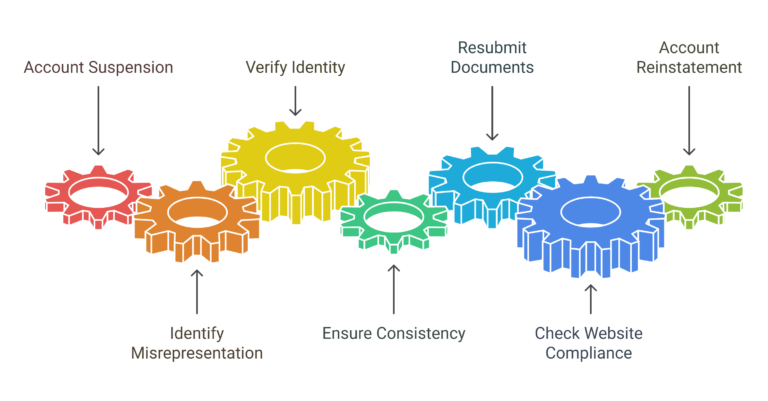
Visual - Misrepresentation Fix 2025
Not Subscribed yet?

Join My Free E-Commerce Knowledge Center to Boost Your Online Store's Sales & Profits.

  • Free Knowledge for Guarenteed More Sales & Profits
  • Incl. Checklists, E-books, Templates, Tutorials, 75+ Video’s, Special Discounts E-Commerce Software and many more
  • 100% Free & Direct Access
  • 5+ Years E-Com Experience

1.6 What To Do Instead: The Correct Fix

If you got suspended in step 1 (free listing check) or step 2 (paid check), do this:

Step 1. Fix your website first

Not random fixes.
Not guesswork.
You need a full credibility overhaul.

This includes:

  • Full policy setup

  • Consistent business info patches

  • Correct trust elements

  • Layout fixes

  • Link fixes

  • Product page cleanup

  • Image quality checks

  • Legal page optimization

Step 2. Only request a review once everything is fixed

If you press the button too early, you risk:

  • Manual review before your store is ready

  • Immediate denial

  • Cool-down period

  • Permanent suspension

Step 3. Use an expert framework

This saves you hours and removes the guesswork.

You mentioned your updated framework in the script.
That becomes the logical CTA:

Your updated misrepresentation framework solves all these points with copy-and-paste templates and step-by-step fixes.


1.7 Why Google Suspends Both Merchant Center AND Google Ads

This is new.

If your Merchant Center account gets suspended and is linked to Google Ads…
Google Ads can get suspended too.

If they’re created on the same email…
Google Ads can still get suspended even if they’re not linked.

This is part of Google’s new ecosystem protection update.

So fixing misrepresentation is not optional.
It’s the only way to keep your ads alive.


1.8 The Truth About “Insiders” Who Claim They Can Unsuspend Your Account

Many people online claim they have “inside contacts” at Google.
But in reality:

Every review is done by a Google employee somewhere in the world.
You press review.
A real person gets assigned.
They check your site.
Then approve or deny.

There is no magic backdoor.

Most “insiders” are just using you for money.
They press the same review button you already have.
You get denied.
And sometimes permanently suspended.

This is why real, structured, credible fixes are the only way.


1.9 When You Fix It the Right Way: What Success Looks Like

You’ll see a message like this:

“Your Merchant Center account has been reviewed. The misrepresentation error no longer appears.”

This is what you want.
This is when your ads can run.
This is when you can scale.

And many stores do get fully approved again — once all credibility checks pass.


1.10 Final Takeaway: Misrepresentation Isn’t Random. It’s Systematic. And Fixable.

Google is not punishing you.
It’s protecting its users.

If you treat your store like a real brand.
If you follow the credibility checklist.
If you fix every detail before requesting a review…
You can get approved and stay approved.

The next logical step?

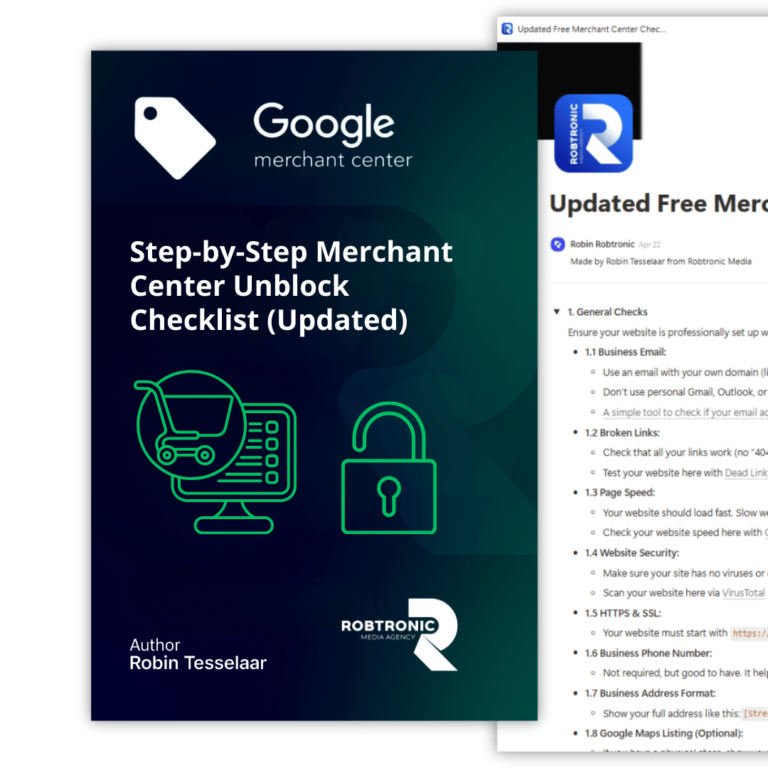
Check the full list of everything you must fix on your website to pass the new misrepresentation checks.
This is where you have your link or framework in the video.

Because once you fix these points, you don’t just solve the issue.
You prevent it from happening again.

Done for you Ads Management

Ready to scale your revenue & profits using Google Ads?

If you want to scale your Google Ads to the next level while maintaining a solid profit margin and growing in a controlled way, we can help you break through your revenue plateau with our Google Ads scaling system, proven to work for more than 225+ e-commerce stores.

Curious what that could mean for you? Book a call using the button below.

Your Merchant Center blocked for ''Misrepresentation''?

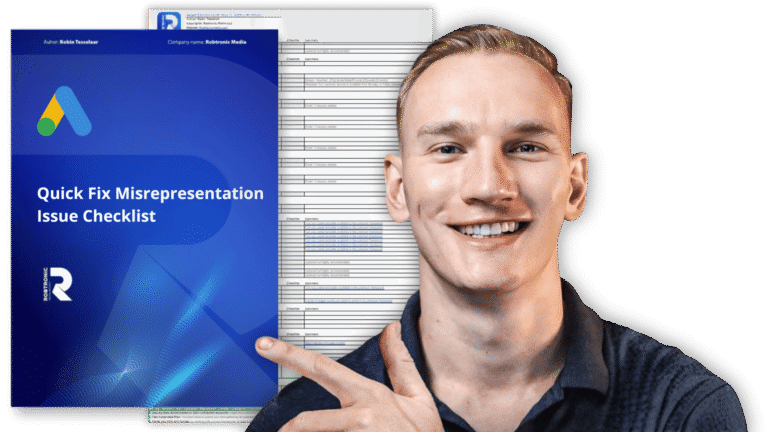
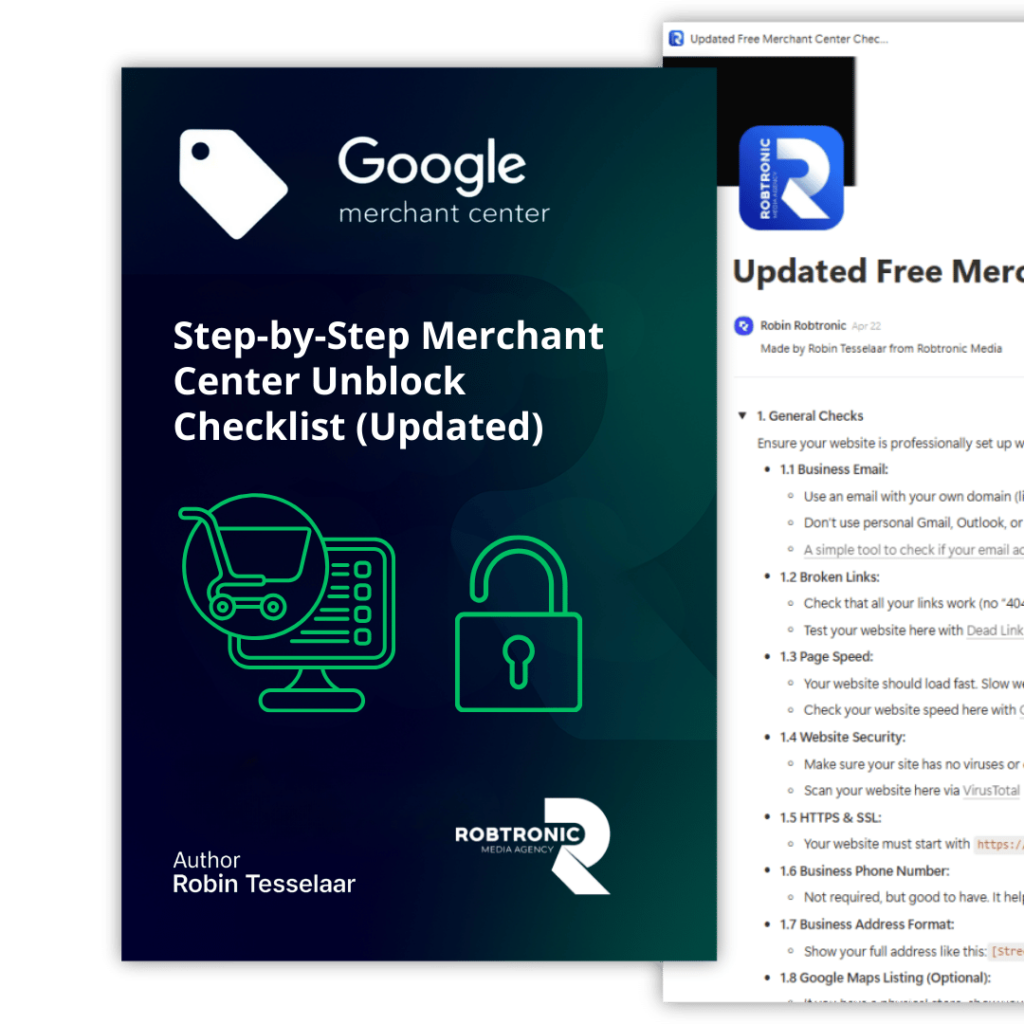
Get Your Free Copy of our Quick Fix Misrepresentation Issue Checklist. Your Step-by-Step Guide to Resolving Google Merchant Center Errors Fast and Effective.

Your Merchant Center blocked for ''Misrepresentation''?

Premium Unblock Framework + 1:1 consult. We tell you exactly what to fix first, and what to submit. Step-by-step plan to fix “Misrepresentation”. 

Account suspended for Misrepresentation? Join 1,000+ store owners who fixed it with our Step-by-Step Framework, or get Personal 1-on-1 Help from Robin.

Get started today and finally make profit using Google Ads!