
Robtronic Media
Increase Google Ads Budget Only After This Check
Separate profitable, testing and losing products before directing more spend into your ecommerce campaigns.
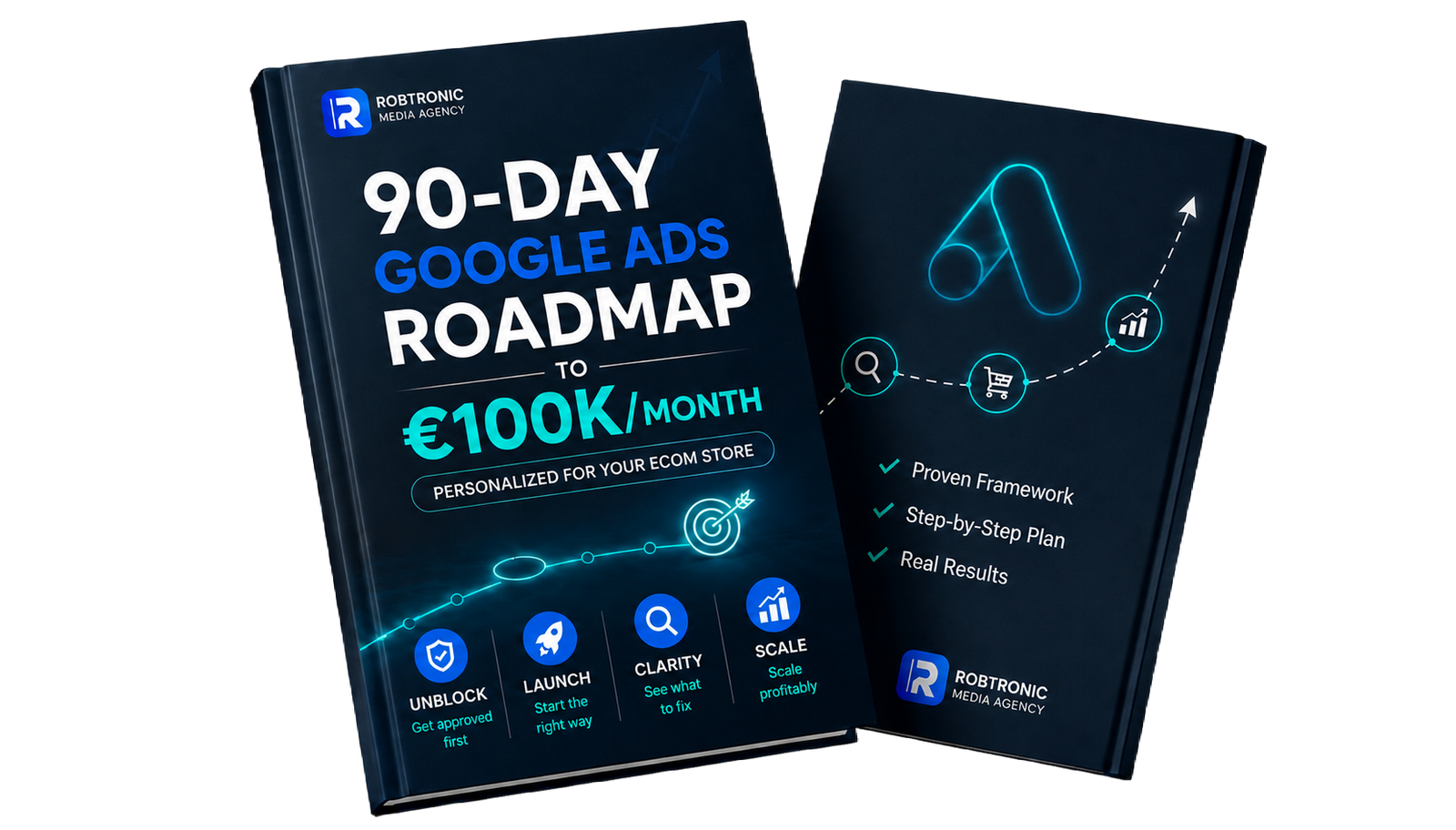
What’s stopping your store from reaching €100K/month?
Get your personalized 90-day roadmap. See what to fix first and where your biggest growth opportunity is.
Show Me My Path to €100K/Month →Increase Your Google Ads Budget Only After This Check
If you’re about to increase Google Ads budget, consider this your wake-up call: check your campaign structure first. Don’t direct more money into a campaign until you’ve separated profitable products and deliberate tests from products that are losing money.
Google Ads budget scaling means increasing spend while keeping control over where that extra budget can go. My position is simple: scaling should follow evidence of product performance, not come before it.
Quick Answer: When Should You Increase Google Ads Budget?
Segment products by performance before you increase Google Ads budget. Keep profitable products and deliberate tests in campaigns you can fund separately from losing products, then direct additional spend only where the evidence justifies it. Raising one Performance Max budget without that control can expose unproven or poor-performing products to more spend.
Product Segmentation Check Before Increasing Budget
| Product group | Campaign treatment | Budget action |
|---|---|---|
| Profitable products | Place proven products in a separate campaign | Consider more budget when performance evidence justifies it |
| Testing products | Keep them in a controlled testing campaign | Fund the test deliberately instead of scaling blindly |
| Losing products | Separate them from profitable and testing products | Hold additional budget until their performance changes |
Is Your Campaign Structure Ready to Scale?
Start by checking whether products with different performance levels share the same campaign budget. If proven products, new tests and losing products all sit together, you have limited control over which group receives the additional spend.
Product segmentation groups products by performance so you can control campaign and budget decisions separately. It doesn’t make Google suddenly capable of reading product performance. It separates the data and optimization conditions for each product group while giving you clearer control over budget allocation.
Before changing the budget, ask one diagnostic question: if this campaign spends more tomorrow, am I comfortable funding every product inside it? If the answer is no, fix the structure first.
How Should You Segment Profitable, Testing and Losing Products?
My first move would be to segment products by performance. Give each campaign a clear job instead of asking one shared budget to support products with conflicting needs.
As a practical application, classify products using the performance evidence and commercial targets that matter to your store. Record which group each product belongs to, which campaign controls its budget and what evidence would justify moving it into another group. That makes the next budget decision easier to explain and less dependent on guesswork.
Keep tests deliberate. A testing campaign should have a defined purpose and budget boundary, while a campaign containing proven products can be considered separately for additional spend. Separate the losing ones so a general increase does not automatically fund them too.
The labels alone don’t improve performance. Their value comes from the decisions they allow you to make: continue a controlled test, increase funding where the evidence supports it or hold additional budget away from products that aren’t currently justifying it.
Why Is Scaling One Performance Max Campaign Risky?
A Performance Max campaign uses automation to serve ads across Google channels. You can read more about that inventory access in Google’s Performance Max campaign guide.
The mistake I want you to avoid is increasing one shared campaign budget and assuming the extra money will go only to the products you want to scale. When products at different stages share one campaign, additional spend can also reach unproven or losing products.
Google’s Smart Bidding uses AI to optimize for conversions or conversion value at auction time, as explained in its Smart Bidding definition. Your job is still to provide a campaign structure that reflects your business decision about which products deserve more budget.
Segmentation gives Google clearer conditions within each campaign and gives you budget control. It doesn’t guarantee more clicks, profit or revenue. It helps prevent you from scaling blindly.
Which Products Should Receive More Budget?
Direct additional spend toward campaigns containing products whose performance evidence justifies it. Valuable conversions and order value should guide the decision rather than the hope that spending more will turn an unproven product into a winner.
Use this order before making a Performance Max budget increase:
- Identify which products are profitable, still being tested or currently losing.
- Move those groups into campaigns with separate budget control.
- Check that the campaign you plan to scale contains products worth funding.
- Increase spend only where the available performance evidence supports the decision.
- Keep tests controlled and hold extra budget away from losing products until their performance changes.
This readiness check fits inside a wider profit-first Google Ads scaling system. If you’ve already changed the budget and performance has declined, diagnose the cause rather than making repeated changes. Use these steps to fix a ROAS drop after increasing budget.
Watch the Source Video on Increasing Google Ads Spend
The source lesson gives you the central rule: segment products by performance first, then base additional spend on the campaigns containing products that justify it.
Expert source
This article is based on a YouTube lesson by Robin Tesselaar of Robtronic Media and expands that lesson into a practical ecommerce Google Ads guide. The diagnostic table and action sequence are editorial applications of the lesson.
Your Scale Roadmap
Increase Google Ads Budget With More Control
Segment your products before you increase Google Ads budget. Sign up first, and you’ll be routed to the roadmap that fits your next stage.
Sign Up for My Scale RoadmapNot Subscribed yet?
Join My Free E-Commerce Knowledge Center to Boost Your Online Store's Sales & Profits.
- Free Knowledge for Guarenteed More Sales & Profits
- Incl. Checklists, E-books, Templates, Tutorials, 75+ Video’s, Special Discounts E-Commerce Software and many more
- 100% Free & Direct Access
- 5+ Years E-Com Experience
What’s stopping your store from reaching €100K/month?
Get your personalized 90-day roadmap. See what to fix first and where your biggest growth opportunity is.
Show Me My Path to €100K/Month →Get Your Personalized 90-Day Google Ads Roadmap to €100K/month
Answer 5 quick questions and see the next moves your e-commerce store needs to grow with Google Ads.
Know what to fix first. Stop guessing. Get a clear next-step plan to grow with Google Ads without killing your profit.
Free. Personalized for your store. Takes 2 minutes.
See what is holding your store back
Get your exact next steps
Built from 220+ e-commerce stores
Done for you Ads Management
Ready to scale your revenue & profits using Google Ads?
Curious what that could mean for you? Book a call using the button below.