
Robtronic Media
Fix Merchant Center Misrepresentation Before You Request Review
Treat the review request as the final step after auditing and correcting your store and account information.
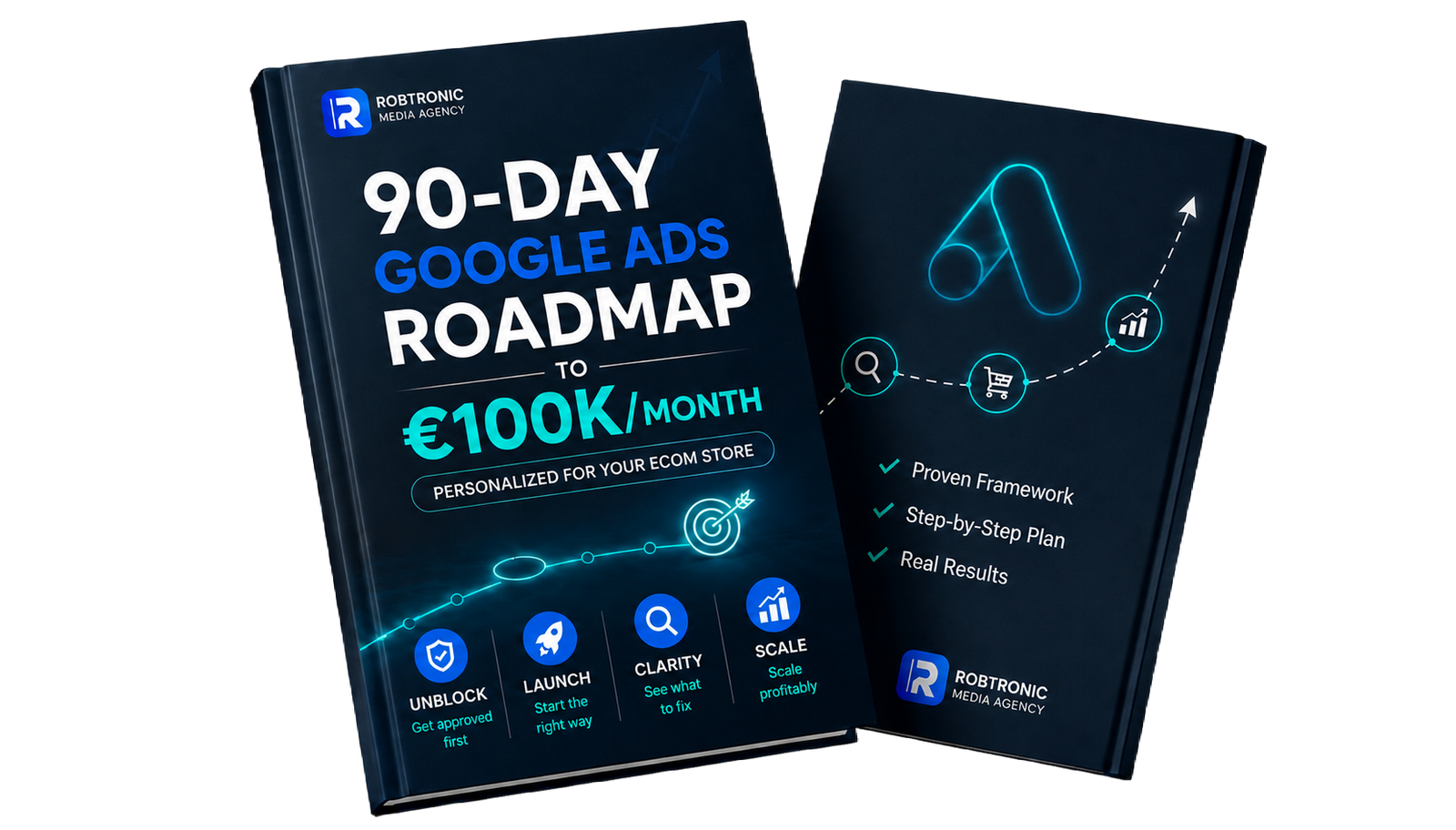
What’s stopping your store from reaching €100K/month?
Get your personalized 90-day roadmap. See what to fix first and where your biggest growth opportunity is.
Show Me My Path to €100K/Month →Fix Merchant Center Misrepresentation Before You Request a Review
If you need to request review for Merchant Center misrepresentation, don’t start by pressing the review button. My first move would be to audit the store and account information behind the issue, correct every known problem, and treat the review request as the final step.
Google Merchant Center misrepresentation is an account issue indicating that Google has concerns about the accuracy, transparency, or trustworthiness of your store information. The mistake I want you to avoid is asking Google to reassess the account before you’ve dealt with those concerns.
Quick Answer: Should You Request a Merchant Center Misrepresentation Review Now?
Audit and correct all relevant store and account information before you request a review for Merchant Center misrepresentation. Treat the review button as the final step, not the first troubleshooting move. Check that your business details, policies, product information, contact details, and trust signals are consistent. Review limits and cooldown behavior can change, so verify the current options in your account.
Before You Request a Merchant Center Review
| Decision point | Key fact | Next action |
|---|---|---|
| Review timing | A review should follow remediation | Do not submit while known issues remain |
| Audit scope | Misrepresentation can involve store and account information | Check more than website pages |
| Review attempts | Unsuccessful requests may delay recovery | Verify current review options before submitting |
| Account readiness | Corrected information should be complete and consistent | Run one final audit before requesting review |
What Should You Audit Before Requesting a Review?
Start with the requirements behind the error rather than hitting the review button straight away. A misrepresentation issue can involve more than website requirements, so check all relevant store and Merchant Center account information.
Based on that principle, use this order:
- Check your business identity. Make sure your business details and contact information are complete and consistent wherever they appear.
- Review your store policies. Look for missing, unclear, or conflicting information that could reduce transparency.
- Compare product information. Check that the information you submit through Merchant Center agrees with what shoppers see on your store.
- Inspect your account information. Don’t assume the problem exists only on a website page.
- Correct known issues before reassessment. A review request doesn’t replace remediation.
For a broader store audit, work through the Merchant Center misrepresentation checklist. You can also review the specific Merchant Center trust signals that help make your business information clearer.
How Do You Know When the Account Is Ready?
Your account is ready for a review when you’ve corrected the issues you can identify and completed one final consistency check. A review request asks Google to reassess the account after those underlying issues have been addressed.
Before submitting, ask yourself three direct questions:
- Is the relevant store and account information complete?
- Does the information remain consistent across your policies, contact details, products, and business identity?
- Have you fixed every known issue rather than assuming the review will reveal what to do next?
If the account is suspended and you need a wider recovery process, use this guide to fix a suspended Merchant Center account. Don’t submit merely because you’ve made one change. Submit when your complete audit no longer shows a known unresolved requirement.
Why Can Premature Review Requests Delay Recovery?
If an unresolved requirement remains, an immediate review is unlikely to solve the misrepresentation error. You’re asking for another assessment without first correcting the relevant store or account information.
Repeated unsuccessful requests can waste attempts and slow down your Google Ads journey. A cooldown period is a temporary restriction on requesting another review, but the exact limits and account behavior can change.
Check the current account options: Before submitting, review the message and available review controls inside your own Merchant Center account. Don’t rely on an old claim about a fixed number of attempts or a guaranteed cooldown rule.
The lesson stays the same even if Google changes the interface or review limits: fix what you can find first, confirm the account is ready, and only then use the review request.
Watch the Source Video: Fix the Issue Before Pressing Review
Source video
Google Merchant Center Misrepresentation: Don’t Press Review Until You Do This
Watch my short explanation of why remediation should come before the review request.
Watch the Source VideoSource and editorial scope
This article is based on a YouTube lesson by Robin Tesselaar of Robtronic Media and expands the lesson into a practical ecommerce Google Ads guide. The audit steps are editorial applications of the remediation-first principle. Merchant Center interfaces, review limits, and cooldown behavior can change.
Your next step
Fix First, Then Request Your Merchant Center Review
Audit and correct the store and account requirements before you request review for Merchant Center misrepresentation. Sign up first, and you’ll be routed to the right roadmap for your situation, including the Unblock stage when a known approval or policy issue is stopping progress.
Sign Up for My RoadmapNot Subscribed yet?
Join My Free E-Commerce Knowledge Center to Boost Your Online Store's Sales & Profits.
- Free Knowledge for Guarenteed More Sales & Profits
- Incl. Checklists, E-books, Templates, Tutorials, 75+ Video’s, Special Discounts E-Commerce Software and many more
- 100% Free & Direct Access
- 5+ Years E-Com Experience
What’s stopping your store from reaching €100K/month?
Get your personalized 90-day roadmap. See what to fix first and where your biggest growth opportunity is.
Show Me My Path to €100K/Month →Get Your Personalized 90-Day Google Ads Roadmap to €100K/month
Answer 5 quick questions and see the next moves your e-commerce store needs to grow with Google Ads.
Know what to fix first. Stop guessing. Get a clear next-step plan to grow with Google Ads without killing your profit.
Free. Personalized for your store. Takes 2 minutes.
See what is holding your store back
Get your exact next steps
Built from 220+ e-commerce stores
Done for you Ads Management
Ready to scale your revenue & profits using Google Ads?
Curious what that could mean for you? Book a call using the button below.