A “Misrepresentation” error in Google Merchant Center can be confusing. It can also disrupt your e-commerce work. One minute you’re ready to scale your store with Google Shopping ads, and the next — boom — your account is suspended. But don’t panic just yet. There is a way out, and this guide will show you exactly how.
Think of your online store like a boutique on a busy high street. If it seems shady, has no clear signs, or sells odd products, shoppers and Google will hesitate. This video shares insights from e-commerce expert Robin. It offers a simple guide to fix misrepresentation issues in Google Merchant Center. You’ll see useful tips, real-life examples, and a checklist for compliance.
What you’ll learn:
What triggers a misrepresentation error
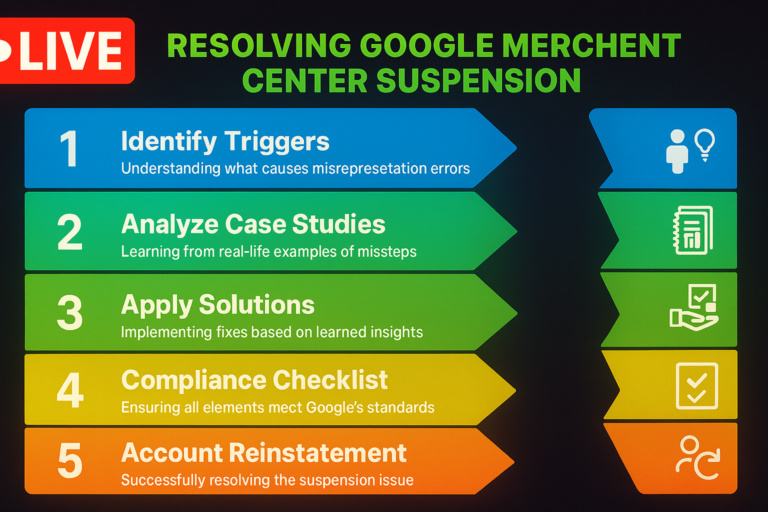
How to resolve Google Merchant Center suspension issues
Real case study breakdowns
Google Merchant Center troubleshooting steps
How to avoid suspension in the first place
1.1 How Robin Fixed His Google Merchant Center Before Launch
Right before launching his brand, Robin stocked up, set up ads, and eagerly hit publish. But instead of sales, he got slapped with a Google Merchant Center suspension. The reason? Misrepresentation.
Months of back-and-forth later, Robin cracked the code. He’s now helped over 300 merchants get their Google Merchant Center account reinstated. This guide shares what he learned — so you don’t make the same mistakes.
1.2 Real Case Study: What Pharma Food Did Wrong
Using a random store as an example, Robin walks us through common pitfalls. Pharma Food had potential — but its website triggered multiple red flags.
1.2.1 Risky Names and Branding = Instant Trouble
The brand name Pharma Food sounds regulated — like you’re selling medicine. Without licenses, that’s a problem.
Why it matters: Names suggesting medical or therapeutic benefits without proof violate Google Shopping’s misrepresentation rules.
Fix it: Stick to neutral, clear brand names. Never use trademarked logos or mimic premium branding unless you’re authorized.
“Your brand name should build trust — not raise suspicion.” — Robin
1.2.2 A Homepage That Fails the Trust Test
Google flagged low-quality banners, unclear messages, and a lack of clear value.
Why it matters: Sites like this often get labeled as needing improvement or misrepresentation.
Fix it: Use crisp images, highlight key benefits, and clearly say what you sell. Remember, visual clarity is key in Google Merchant Center policy compliance. Many people waste time on ineffective fixes at this stage. Here’s what doesn’t work — and what to avoid.
Sites with optimized imagery convert 42% more often. (Adobe)
1.2.3 Fake Reviews? Google Sees Right Through Them
The site had Trustpilot widgets showing reviews that predated the domain — not a good look.
Fix it: Use only verified reviews. If you’re just starting out, that’s okay — build trust naturally over time.
“Honesty wins in the long run — even online.” — Neil Patel
1.2.4 Urgency Tactics That Backfire
Pharma Food used aggressive discount banners like “50% OFF Everything!” and “Only 2 Left!” on nearly every page.
Fix it: Use urgency sparingly and authentically. Skip long countdowns and fake scarcity in Google Shopping ads. This helps prevent misrepresentation.
72% of consumers distrust over-the-top urgency tactics. (Baymard Institute)
1.2.5 Missing Contact Info = Missing Trust
The site had no visible business name, physical address, or detailed contact options.
Display your full business name. Include your registration number and physical address. Also, provide at least two ways to contact you. This is essential for Google Merchant Center compliance.
1.2.6 Policy Pages with Zero Substance
The shipping and return policies did not include processing times, refund rules, or delivery costs.
Fix it: Write detailed, transparent policies. Use a generator if needed — just don’t leave them blank.
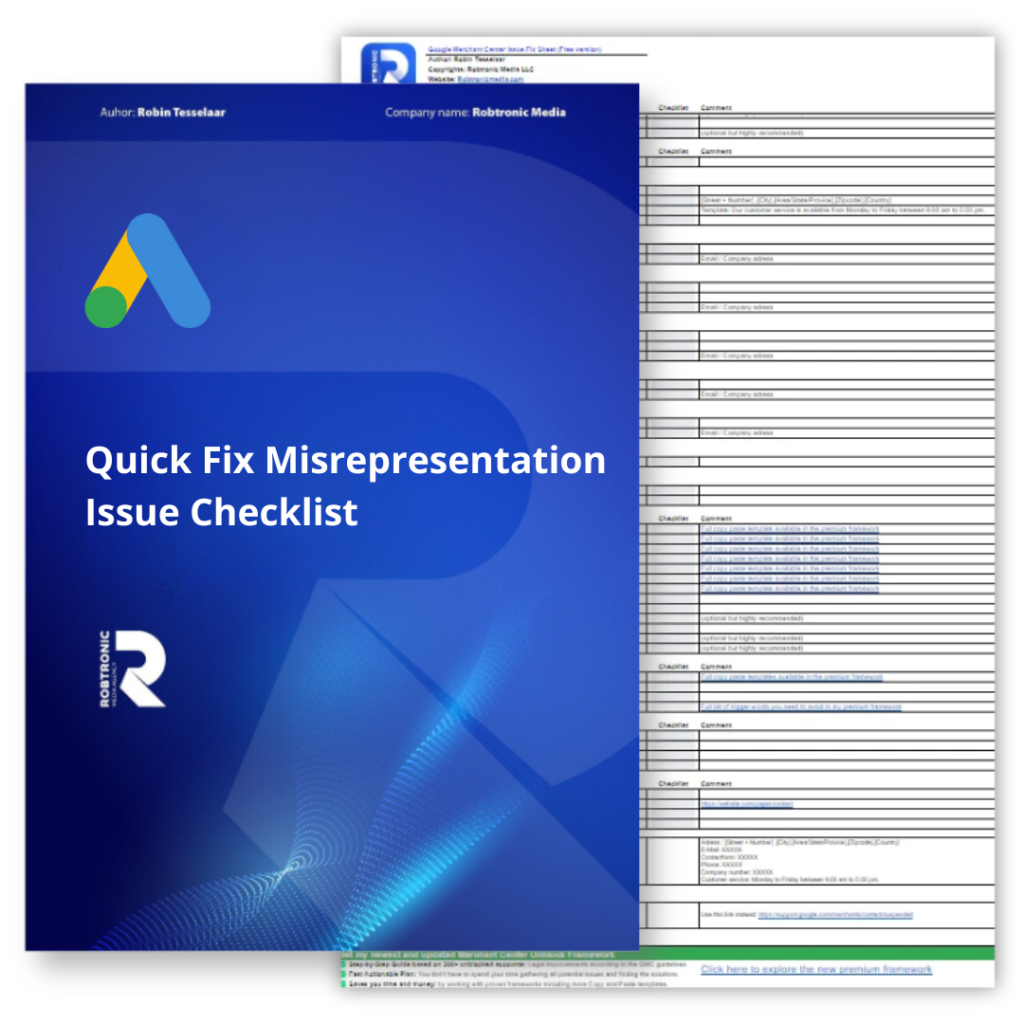
Use this as part of your Google Merchant Center compliance checklist:
Shipping timelines and costs
Return eligibility and time frames
Refund processing details
1.2.7 Product Images That Violate Guidelines
Images had watermarks, overlays, and mixed formatting. These were all violations.
Fix it: Stick to white or neutral backgrounds. No logos, no added text, no clutter. This improves both user trust and Google Shopping ad performance.
1.2.8 Health Claims With No Proof = High Risk
Selling items with therapeutic claims without medical approval is a big red flag.
If you’re in health, make sure your products meet Google Shopping’s misrepresentation rules. They should also have all necessary certifications.