
Robtronic Media
Choose the Best Google Ads Conversion Tracking Setup
Find unrealistic visuals without mistaking them for the only cause of a blocked account.
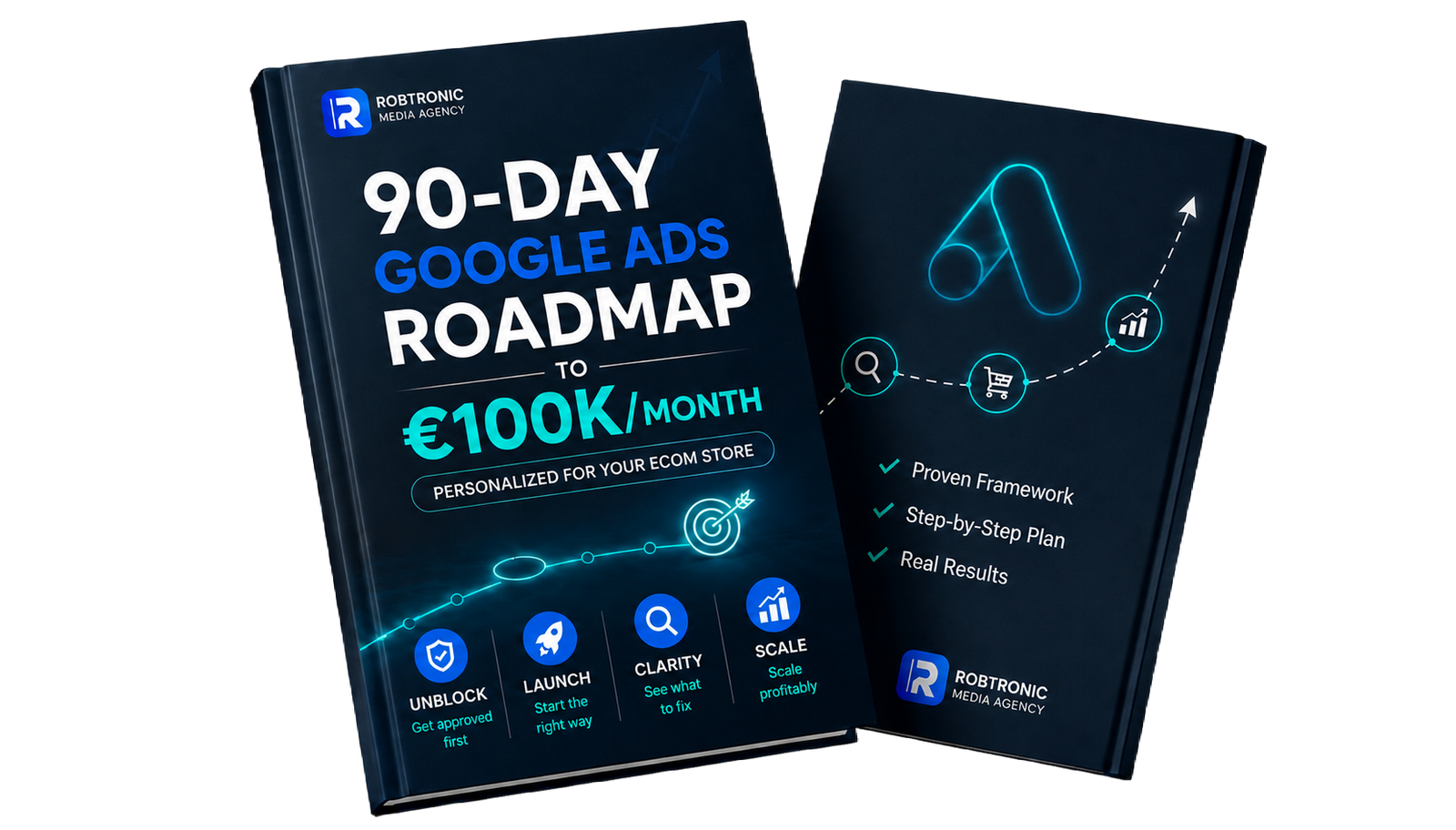
What’s stopping your store from reaching €100K/month?
Get your personalized 90-day roadmap. See what to fix first and where your biggest growth opportunity is.
Show Me My Path to €100K/Month →Choose the Best Google Ads Conversion Tracking Setup
The best Google Ads conversion tracking setup is the one that reliably shows which campaigns and products are associated with sales before you increase your spend.
For a scaling Shopify store, I prefer TrackBee over the native Google & YouTube app because I believe stronger measurement makes campaign and product decisions clearer. However, you should compare their current capabilities, terms and setup requirements rather than relying on old pricing or accuracy claims.
Quick Answer: What Is the Best Google Ads Conversion Tracking Setup?
Choose a conversion tracking setup that provides reliable campaign and product sales data before increasing Google Ads spend. I prefer TrackBee over Shopify’s native Google & YouTube app for scaling stores, but the video’s specific pricing and accuracy figures need current verification. Compare both options against your measurement needs, implementation requirements and the data your team can use for optimization.
Google & YouTube App vs TrackBee for Conversion Tracking
The answer is actually in two things: the quality of the measurement you receive and how much your next spending decision depends on that data. The native app offers a direct Shopify connection, while TrackBee is the third-party option I prefer in the source lesson when a store is spending more.
Google & YouTube App vs TrackBee for Conversion Tracking
| Decision factor | Google & YouTube app | TrackBee |
|---|---|---|
| Role | Native Shopify connection to Google | Third-party tracking option preferred in the video |
| Best fit from the lesson | Stores needing a native starting point | Scaling stores seeking clearer campaign and product sales data |
| Before choosing | Check current features, terms and data quality | Check current capabilities, accuracy evidence, pricing and setup needs |
Google Ads conversion tracking records valuable actions such as purchases and connects them with advertising interactions. Google explains that relationship in its conversion measurement guide.
When Is Third-Party Conversion Tracking Worth Considering?
Consider third-party conversion tracking when missing purchase data could change which campaigns or products receive your budget. The difference becomes more consequential as spend rises because each decision affects a larger amount of money.
The Google & YouTube app is Shopify’s native connection for sharing store and conversion data with Google. Shopify documents how its Google & YouTube channel connects a store with Google Ads. If that route fits your needs, follow the complete Shopify Google & YouTube app tracking setup.
TrackBee is presented in the source video as a more robust alternative. My reason for preferring it is simple: more complete conversion data can make it easier to see where sales are being made and do more of what’s working. That does not guarantee better performance, but it can give you and your agency better information for account decisions.
If TrackBee is the better match after your comparison, use the guide to set up TrackBee conversion tracking on Shopify.
How Missing Conversion Data Weakens Campaign and Product Decisions
If conversion data is missing, you or your agency may not be able to identify which campaigns and products are associated with sales. That makes it harder to decide where to increase spend, where to reduce it and what deserves a closer look.
Missing data does not literally make a conversion pixel “less smart.” It gives Google Ads and the people managing your account less reliable measurement input for bidding and optimization decisions.
The mistake I want you to avoid: do not increase spend while assuming your current tracking is complete. First compare reported purchases with Shopify order data using comparable dates and attribution scope. Investigate meaningful gaps before using the numbers to make scaling decisions.
Conversion tracking also does not reveal product-level profit by itself. It can show which products are associated with tracked sales, but you still need cost, margin and other relevant business data to judge profit.
What Should You Verify Before Changing Your Tracking Setup?
My first move would be to compare your current setup with a more robust option such as TrackBee before increasing Google Ads spend further. Use these checks to turn that recommendation into a practical decision:
- Check whether purchases are being recorded consistently enough for campaign and product decisions.
- Confirm which purchase conversion action is used for bidding and whether duplicate actions could distort reporting.
- Compare the current features, terms, pricing and implementation requirements of both options.
- Decide what data you or your agency will use after the change.
- Test the implementation before treating the new reporting as dependable.
Tracking installation and conversion configuration are separate decisions. After choosing your connection, check how purchase actions are counted and used by following the guide to choose the right Google Ads conversion settings.
Current-information check: before relying on this comparison, verify the Google & YouTube app’s current terms and pricing, TrackBee’s current capabilities and pricing, and the evidence behind any advertised accuracy figures.
Watch Robin Explain Why Tracking Quality Matters at Scale
Source video
Best Conversion Tracking Setup in Google Ads
Watch the short lesson for my comparison of Shopify’s native integration and TrackBee, including why I believe measurement quality becomes more consequential as ad spend rises.
Watch the Source VideoSource and editorial scope
This article is based on a YouTube lesson by Robin Tesselaar of Robtronic Media and expands that lesson into a practical ecommerce Google Ads comparison. The checklist and technical clarifications are editorial applications of the lesson. Product features, terms and pricing can change, so verify current details before acting.
Scale with control
Choose Your Tracking Setup Before Increasing Google Ads Spend
The best Google Ads conversion tracking setup should give you clearer information before you commit more budget. Sign up first, and you will be routed to the right roadmap for your next scaling step.
Sign Up for My Scale RoadmapNot Subscribed yet?
Join My Free E-Commerce Knowledge Center to Boost Your Online Store's Sales & Profits.
- Free Knowledge for Guarenteed More Sales & Profits
- Incl. Checklists, E-books, Templates, Tutorials, 75+ Video’s, Special Discounts E-Commerce Software and many more
- 100% Free & Direct Access
- 5+ Years E-Com Experience
What’s stopping your store from reaching €100K/month?
Get your personalized 90-day roadmap. See what to fix first and where your biggest growth opportunity is.
Show Me My Path to €100K/Month →Get Your Personalized 90-Day Google Ads Roadmap to €100K/month
Answer 5 quick questions and see the next moves your e-commerce store needs to grow with Google Ads.
Know what to fix first. Stop guessing. Get a clear next-step plan to grow with Google Ads without killing your profit.
Free. Personalized for your store. Takes 2 minutes.
See what is holding your store back
Get your exact next steps
Built from 220+ e-commerce stores
Done for you Ads Management
Ready to scale your revenue & profits using Google Ads?
Curious what that could mean for you? Book a call using the button below.