

Google Ads

Mastering Negative Keyword Lists for Google Ads

Google Ads Strategies

Struggling to scale profitably? Learn how to do it yourself – Copy the setup tested on 100+ stores.

Mastering Negative Keyword Lists for Google Ads

What Are Negative Keyword Lists?

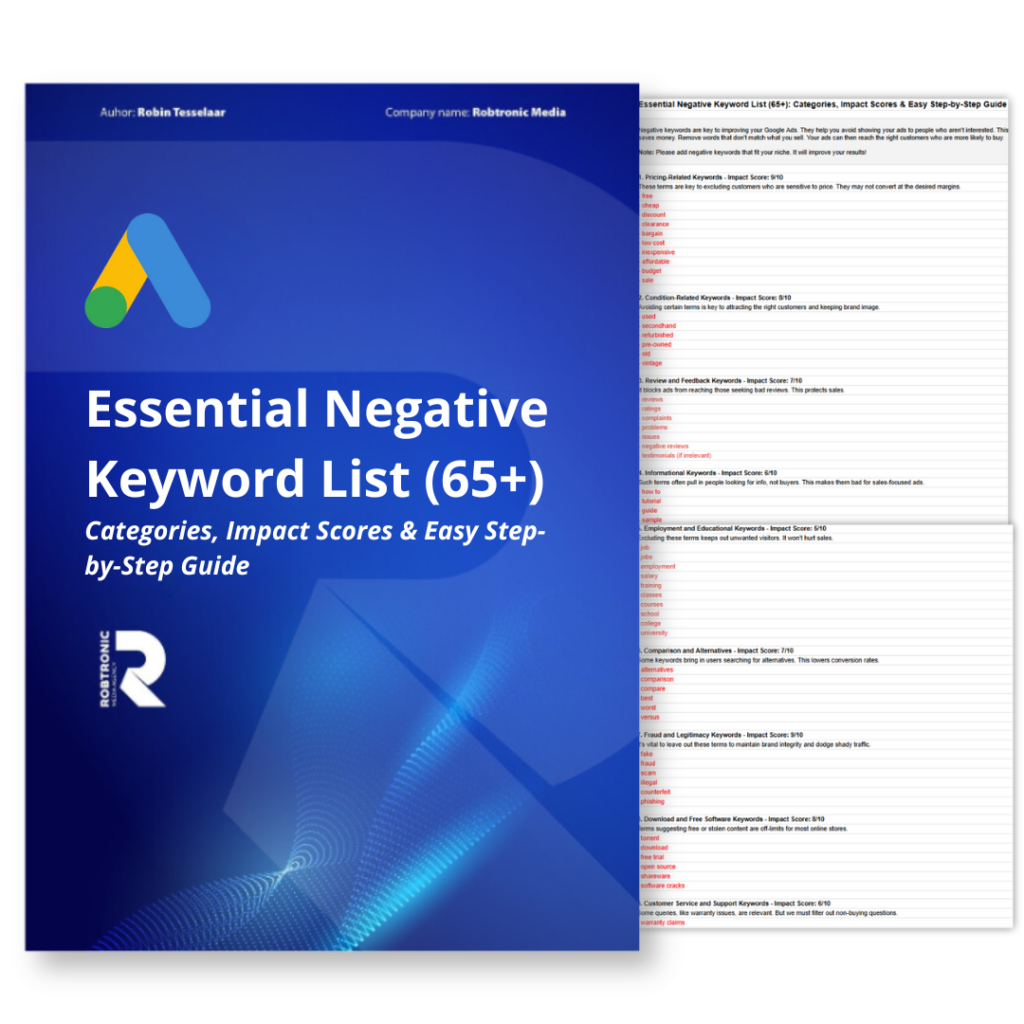
Negative keyword lists help you control who sees your Google Ads. They block your ads for irrelevant searches. This means you can save money and get more people who are really interested in what you sell.


Why Do Negative Keyword Lists Matter?

Using a negative keyword list makes sure that your ads reach the right people. For example, if you sell high-end products, you don’t want clicks from searches for “cheap” or “free.” Adding these words to your negative keyword list keeps your ads focused on customers who are more likely to buy.


How to Add Negative Keywords in Google Ads

Adding negative keywords to Google Ads is easy and helps keep your ads relevant:

  1. Go to your Campaign Settings or the Keywords tab in Google Ads.

  2. Enter the keywords you want to block.

  3. Choose how strict you want the blocks to be:

    • Broad Match: Blocks any search with that word, even in a different order.

    • Phrase Match: It blocks searches for an exact phrase.

    • Exact Match: Blocks only that exact word or phrase.


How to Find Negative Keywords in Google Ads

Use the Search Terms Report in Google Ads. It shows which searches are triggering your ads. This report helps you find searches that are irrelevant and waste your money. They bring no good results.

  1. Look at your Search Terms Report often.

  2. Find search terms that don’t fit your product, like competitor names or unrelated searches.

  3. Add these terms to your negative keyword list to keep your ads focused and save money.

Keep your negative keyword lists updated. It will ensure your ads reach the right people and improve your Google Ads results over time.

Google Ads Strategies

Struggling to scale profitably? Learn how to do it yourself – Copy the setup tested on 100+ stores.

Not Subscribed yet?

Join My Free E-Commerce Knowledge Center to Boost Your Online Store's Sales & Profits.

  • Free Knowledge for Guarenteed More Sales & Profits
  • Incl. Checklists, E-books, Templates, Tutorials, 75+ Video’s, Special Discounts E-Commerce Software and many more
  • 100% Free & Direct Access
  • 5+ Years E-Com Experience

Best Practices for Using Negative Keyword Lists in Google Ads

1. Make Multiple Lists. Create a unique negative keyword list for each campaign. For example:

  • Use one list for brand protection to stop irrelevant brand searches.

  • Use another for competitor exclusions to avoid showing ads for competitor names.

  • Make product-specific lists to keep ads focused on relevant searches.

2. Use All Match Types Choose broad, phrase, and exact match types to control how negative keywords block traffic:

  • Broad Match: Blocks any search containing the keyword in any order.

  • Phrase Match: Blocks searches with the exact phrase.

  • Exact Match: Blocks only that exact word or phrase.

3. Regularly Update Your Lists As you run your campaigns, keep an eye on performance. Add new negative keywords based on data and trends to keep your ads focused on the right audience.

Read Tip: To find the best keywords to target your Google Ads, see our guide: “Google Ads Keyword Planner: How to Find Winning Products & Increase Profit.” This guide will walk you through the Keyword Planner tool. It will help you understand search volume and improve your keyword strategy.


How to Use Negative Keywords in Google Ads

Use negative keywords wisely. They help you target the right audience while not blocking too much traffic.

  • Start with Broad Keywords: Cover a wide range of irrelevant searches at first.

  • Refine Over Time: Use insights from the Search Terms Report to make your lists more precise.

  • Use negative keyword lists. They make it easy to exclude things across multiple campaigns.


Mastering Negative Keywords for Better Campaigns

Keeping your negative keyword lists updated is key to better Google Ads performance. By regularly reviewing and adding to your lists, you can:

  • Drive high-quality traffic.

  • Improve ad spend efficiency.

  • Boost your return on investment (ROI).

Refining your negative keyword lists helps your ads reach the right users. This gets you the most value from your Google Ads campaigns!

Done for you Ads Management

Ready to scale your revenue & profits using Google Ads?

If you want to scale your Google Ads to the next level while maintaining a solid profit margin and growing in a controlled way, we can help you break through your revenue plateau with our Google Ads scaling system, proven to work for more than 225+ e-commerce stores.

Curious what that could mean for you? Book a call using the button below.

Join My Free E-Commerce Knowledge Center to Boost Your Online Store’s Sales & Profits

✔ Free Knowledge for Guaranteed More Sales & Profit

✔ Incl. Checklists, E-books, Templates, Tutorials, 75+ Video’s, Special Discounts E-Commerce Software and many more.

✔ 5+ Years E-Com Experience

✔ 100% Free & Direct Access

Join 150+ eCommerce brands who grew faster using our Proven Google Ads Management Service – backed by €16M+ in managed ad spend and real data.

Join 150+ eCommerce brands who grew faster using our Proven Google Ads Management Service – backed by €16M+ in managed ad spend and real data.